Plain workspaces
Boards, cards, and attachments live in a folder you can inspect, back up, and move.
 Limn
Limn
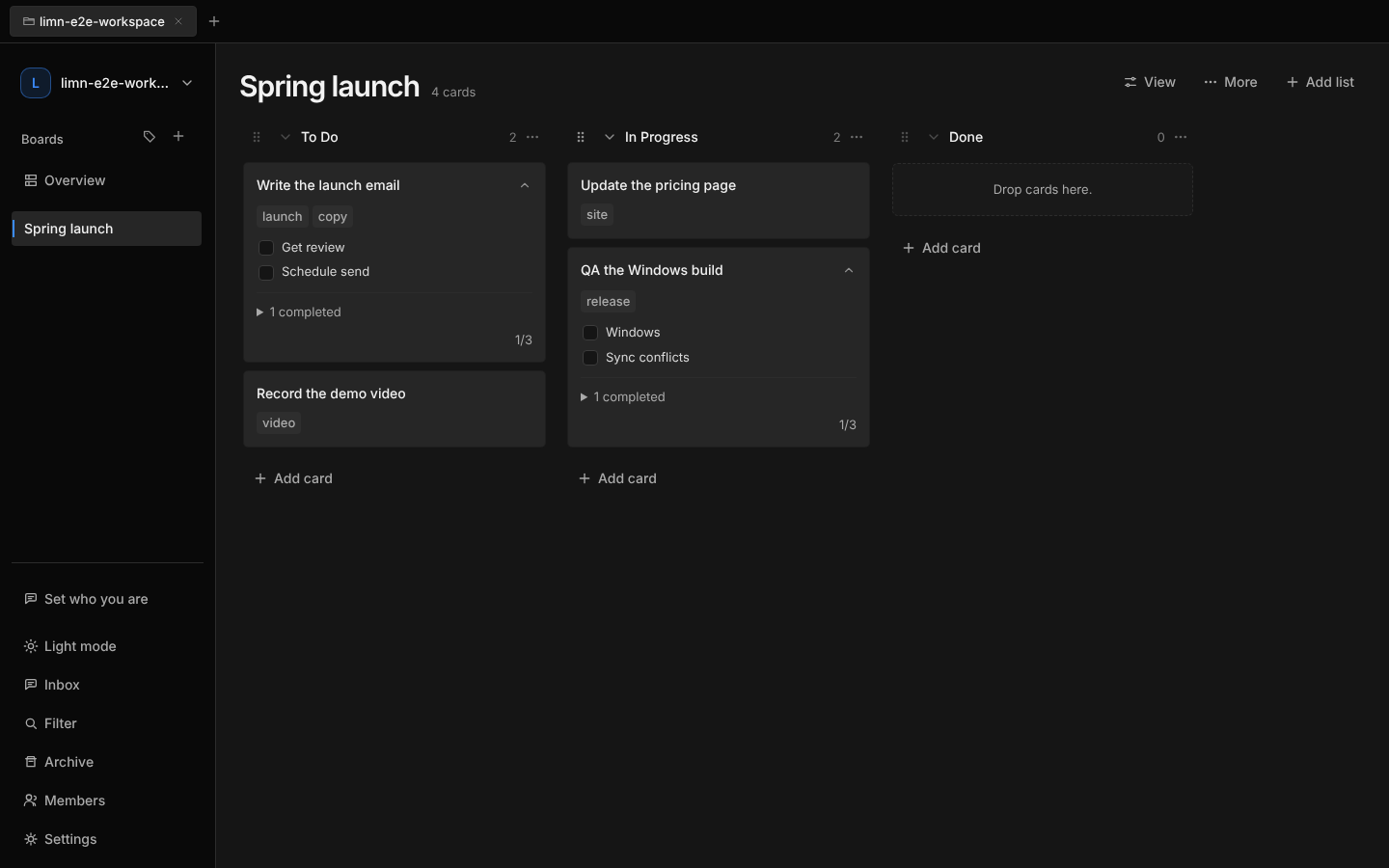
Local-first project boards
Plan work, keep context, and sync with the file service your team already uses. No hosted workspace. No account setup.
Product
Limn keeps the app small and the workspace portable.
Boards, cards, and attachments live in a folder you can inspect, back up, and move.
Use iCloud Drive, Dropbox, Google Drive, Syncthing, or a shared drive. Limn merges safe edits and preserves conflicts for review.
Cards hold notes, checklists, files, comments, owners, labels, and due dates.
Send assignment, completion, moved-to-done, and checklist updates to Slack.
Workflow
Create one or open a shared workspace.
Move cards, assign owners, add files, and track due dates.
Let your existing sync tool handle the rest.
Download